
Query Workbench
The workbench is where you run SQL and browse data — multiple tabs, a schema tree on the left, and results below.
Write and run SQL
A CodeMirror 6 editor with syntax highlighting (light/dark, tracks the app theme) and schema-aware autocomplete. Run with Mod-Enter or the Run button; large results stream into a fast grid you can cancel mid-flight.
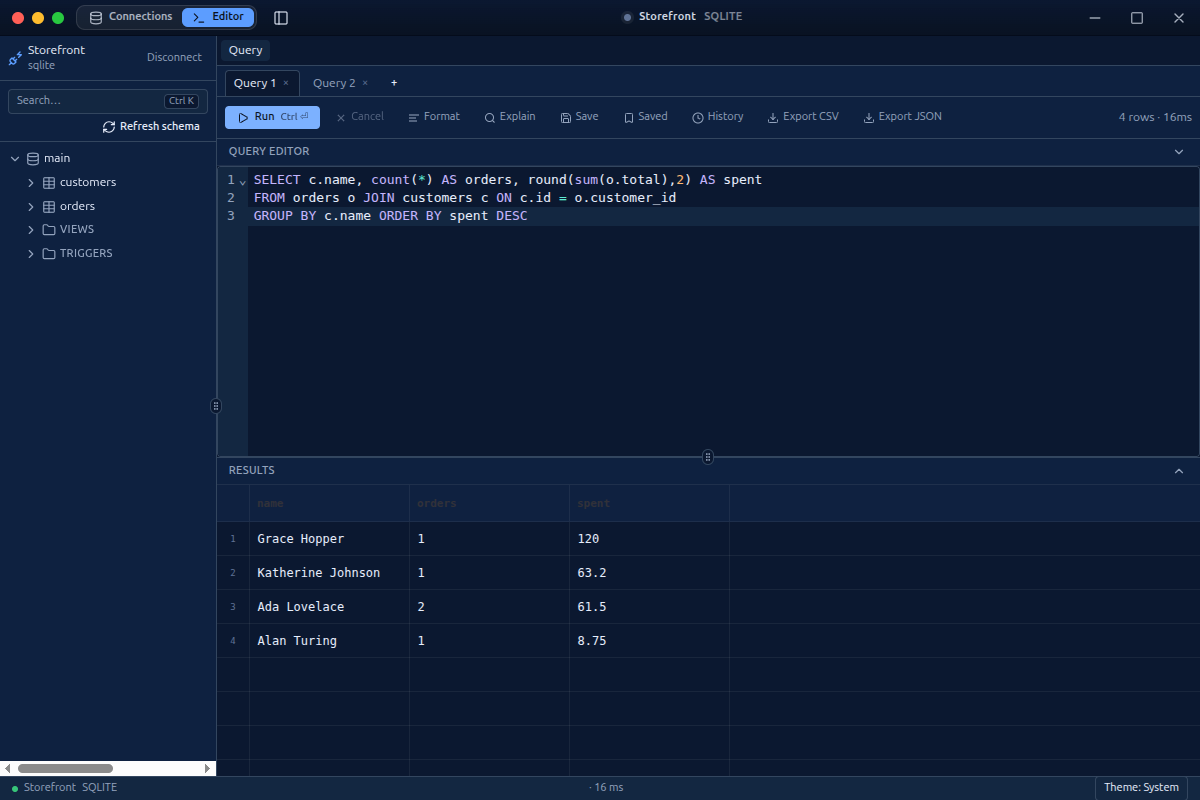
From the toolbar or the command palette: Format SQL, EXPLAIN / EXPLAIN ANALYZE the plan, save named queries, reopen per-connection history, and export results to CSV / JSON.
Browse without SQL
Single-click a table in the schema tree to open a data tab — a paginated, sortable grid with per-column filters. Click a foreign-key value to follow it to the referenced row.
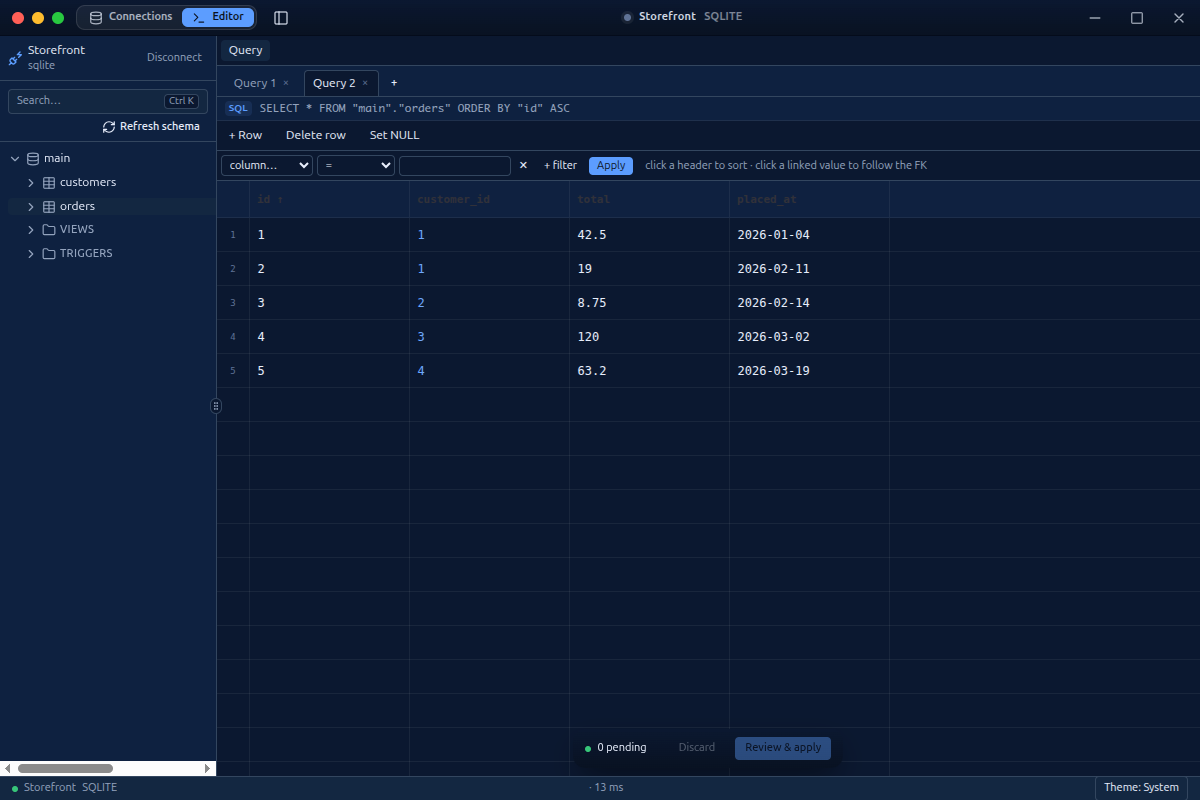
The grid is editable: change cells, insert and delete rows, set NULL. Edits are staged (the "pending" bar), previewed as SQL, and applied transactionally by primary or unique key when you confirm.
Next: Schema & Structure · Keyboard & Palette.