
Connections
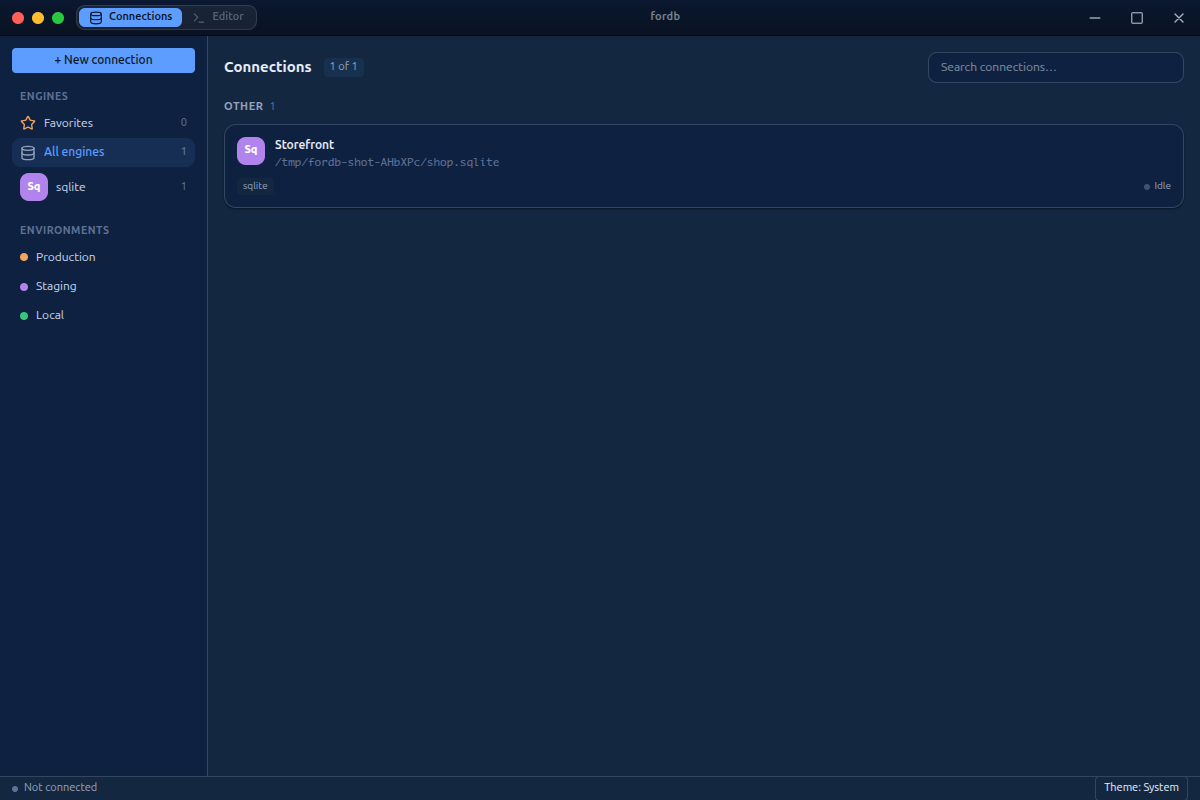
fordb keeps every database you work with in a connection manager — grouped by engine and by environment (Production, Staging, Local), searchable, each showing its live status.
Adding a connection
Click + New connection, pick an engine, and fill in the details — host, port, database, and credentials, or paste a full connection URL and fordb splits it into fields for you. Test & Save verifies it before storing.
Supported engines
| Engine | Flavours |
|---|---|
| Postgres | Standard host/port; switch databases on the same server without re-adding it |
| SQLite | Local file · remote (libsql / Turso) · embedded replica (a local file synced from a remote) |
| MongoDB | Connection URI or discrete fields (two-way synced); standalone, replica set, or SRV |
Where secrets live
Passwords and auth tokens are stored in the OS keychain via Electron's safeStorage, in the main process — never written to the profiles file and never sent to the window. The renderer only ever holds an opaque connectionId; it cannot read your credentials.
Next: Query Workbench · Schema & Structure.